your ownslides
Decks you build in the browser and present from it, with PowerPoint files in and out, on your own server.
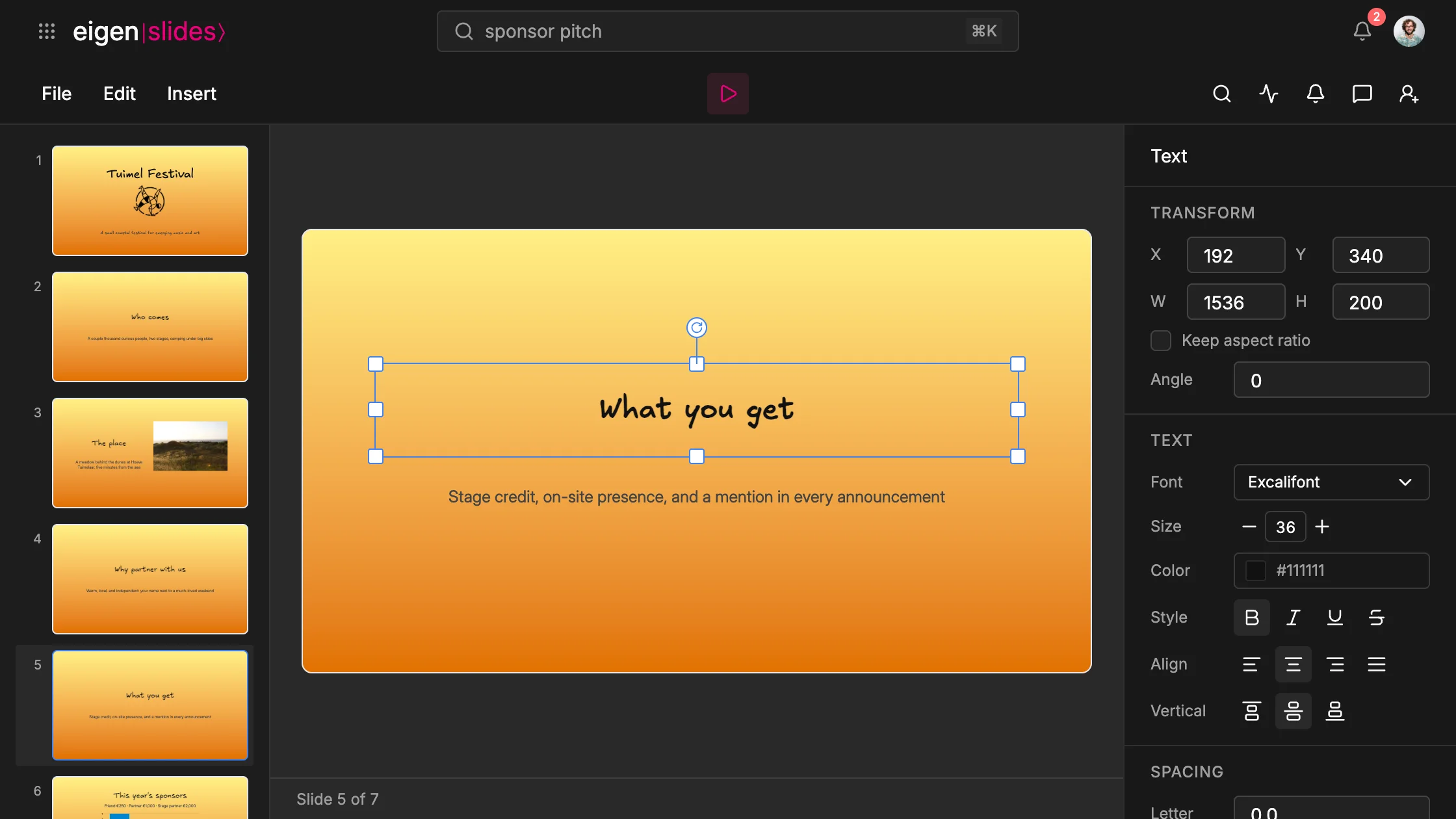
eigen|slides⟩ is where you build presentations in Eigen. You make a deck slide by slide, with the slides in a rail on the left and the one you edit in the middle. When it is done, you present it from the same browser tab.
Building a deck
A slide holds text, images, charts, shapes and arrows. Double-click a text box to type in it. Drag a thumbnail to reorder the slides. A background can be a color, a gradient or an image, for one slide or all of them.
The festival's sponsor deck is seven slides, from who comes to what a sponsor gets. Mees writes one line on each. The place has a photo of the dunes beside its line, and This year's sponsors a column chart of Bram's numbers from the budget.
Slides runs on the same canvas as eigen|vector⟩, so shapes have the same hand-drawn look, which you can turn down to clean lines.
From a sheet to a slide
Bram wants the sponsors to see where the festival's money comes from. The income pie is already in the budget, so he does not draw it again.
Copy a chart in eigen|sheets⟩ and paste it on a slide, and it stays a chart you can edit, with the numbers it showed. Give it the hand-drawn look and font, then Convert to shapes splits it into slices and labels you move one by one. An arrow docked on a slice moves with it.
Presenting
Press Present and the slide fills the screen. Click or use the arrow keys to move on; a presentation clicker works too. Escape takes you back to the editor.
Sharing and comments
You share a deck with people, a team or a link. Everyone with edit access works in it at the same time, so Mees can fix a line on one slide while Bram places the chart on another.
Anyone with edit access can also leave a comment on a text box, an image or a shape. It opens a thread, and you resolve it when the slide is right.
PowerPoint files
You can bring a .pptx in, as a new deck or as extra slides in the one you have open. Text, shapes, pictures, charts and backgrounds come across. You download any deck as PowerPoint, PDF or a web page.